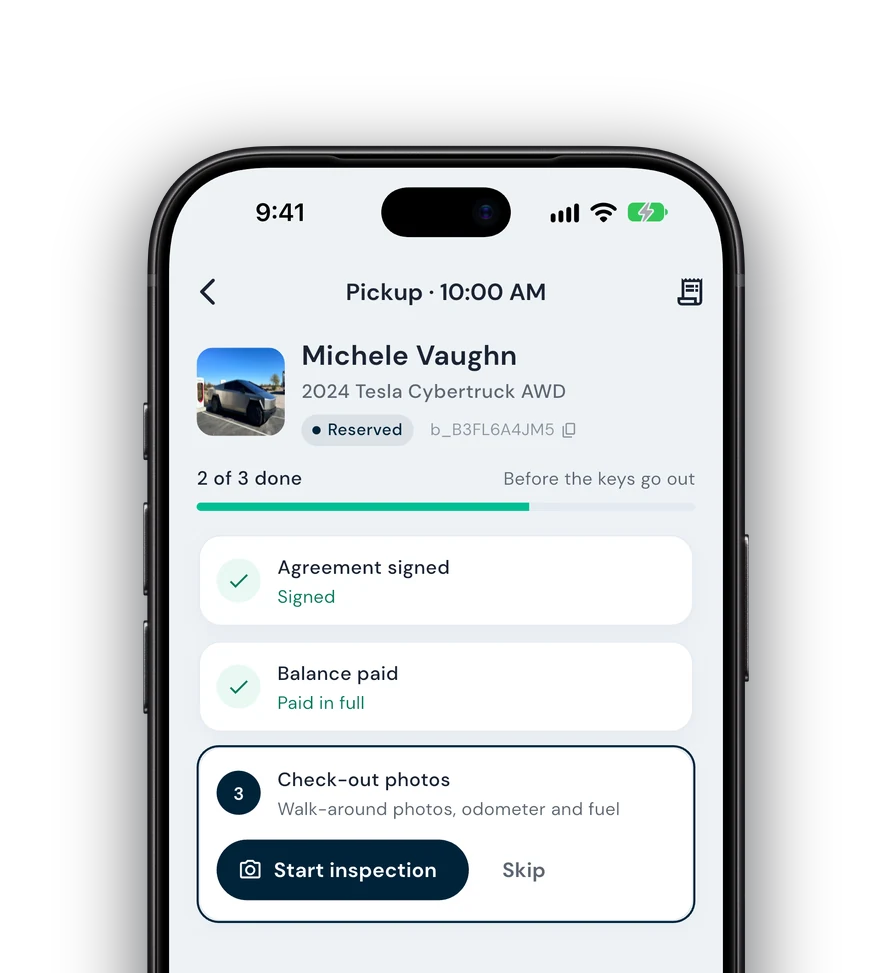
GPS tracking
Connect trackers like Bouncie to see vehicle location tied to active trips, with more providers being added.
Fleetwire connects with GPS trackers like Bouncie and with Tesla telematics, so location and vehicle data live next to the booking they belong to. Know where a vehicle is and how it’s being used — without a separate app to check, with more providers being added.
14-day free trial · No credit card · Included on every plan
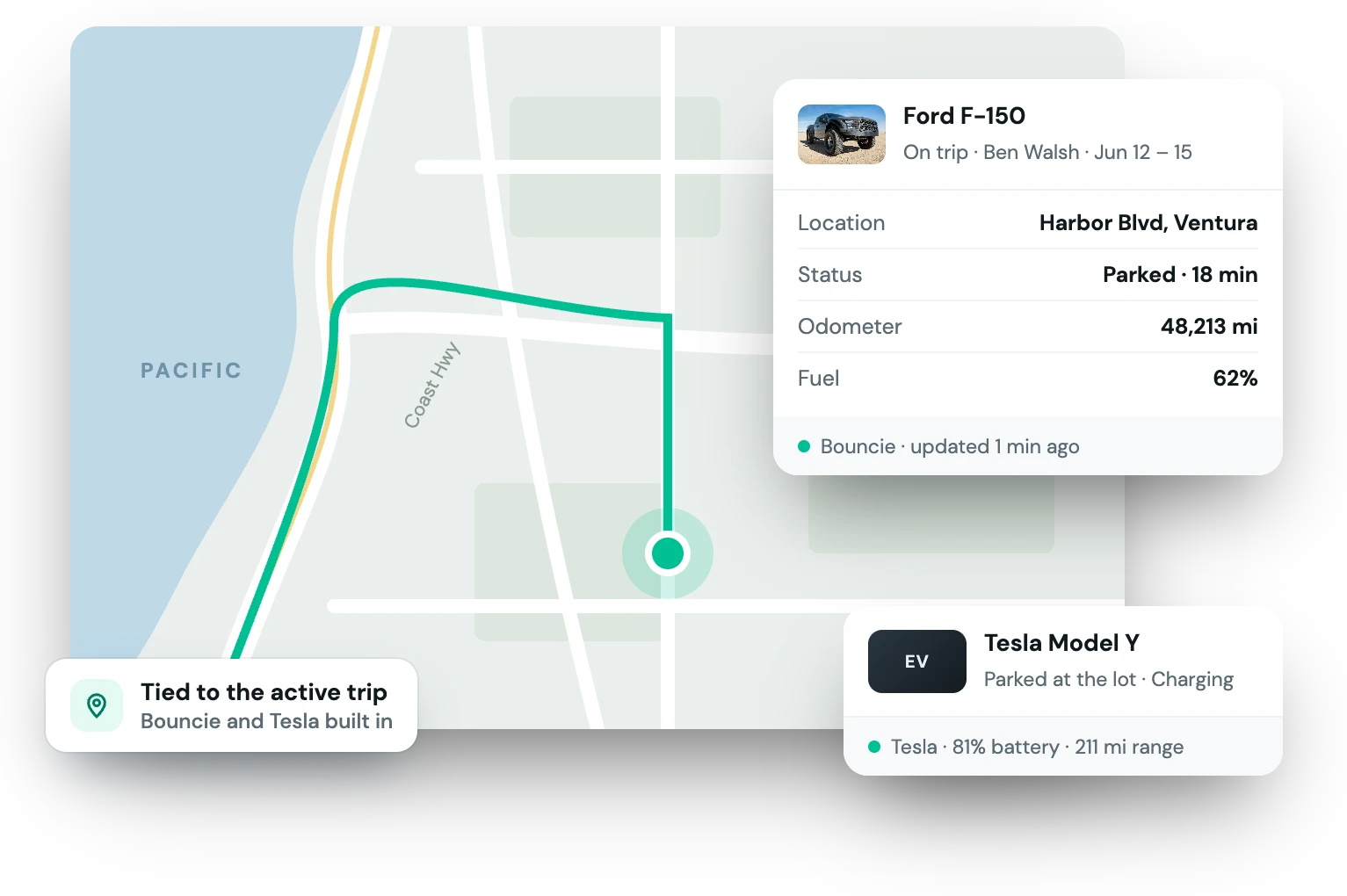
Renting to strangers is a lot easier when you can see the vehicle on a map and pull its data if you ever need to. Telematics connections bring that visibility into the same place you manage bookings.
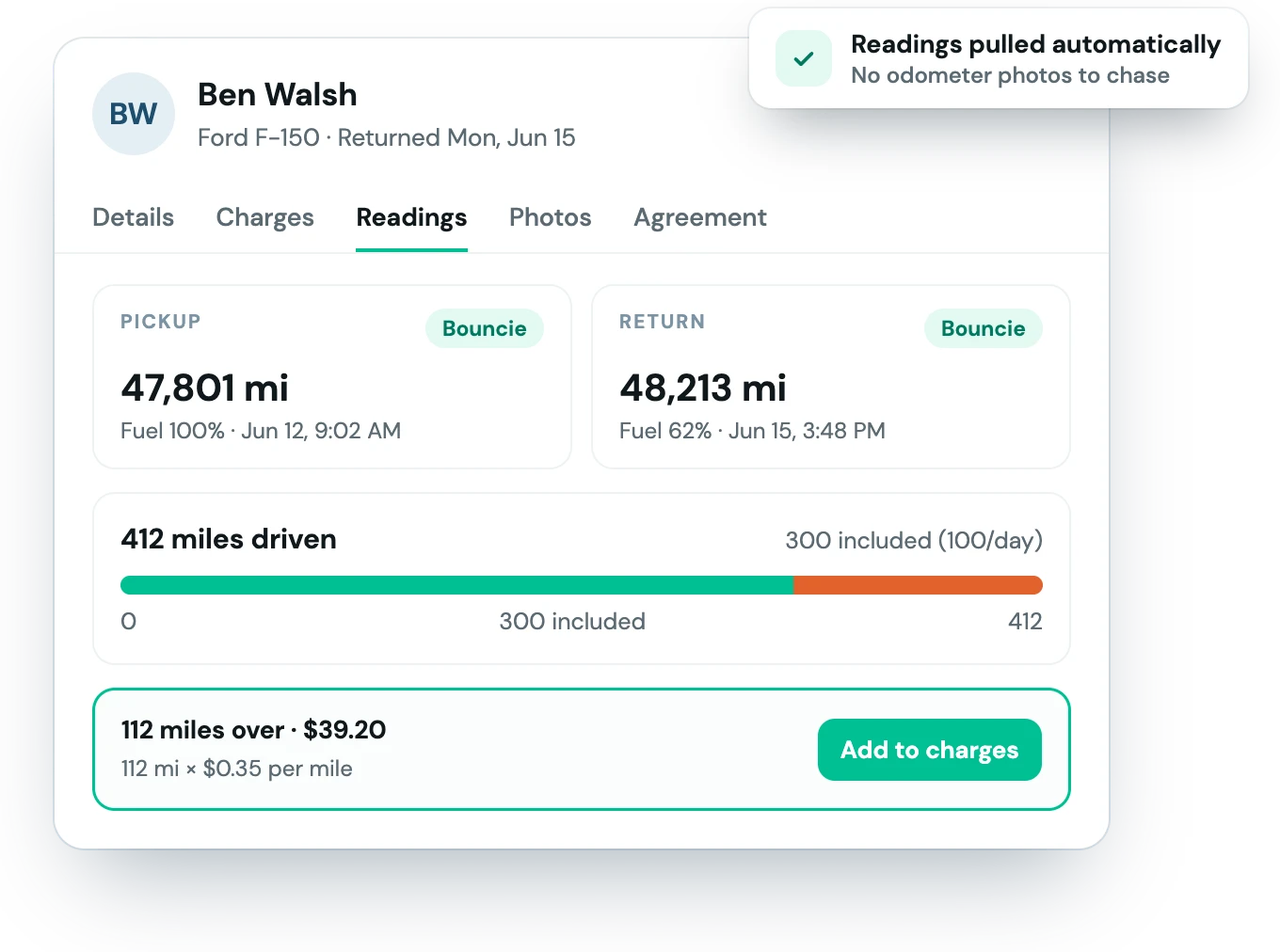
Link the trackers and vehicles you already run.
Link supported GPS trackers or connect Tesla vehicles to your Fleetwire account.
Each device is tied to the listing it belongs to, so data maps to the right car.
Location and telematics show alongside the reservation, right where you need them.
The operational awareness of a big operator, sized for an independent one.
Connect trackers like Bouncie to see vehicle location tied to active trips, with more providers being added.
Link Tesla vehicles directly for connected status and data.
Vehicle data lives next to the reservation, not in a disconnected tool.
Fleetwire connects with GPS trackers like Bouncie and with Tesla vehicles directly, and the supported list keeps growing. See the integrations page for the current list.
No — telematics is optional. Use it on the vehicles where you want extra visibility, and skip it on the ones you don’t.
The Fleetwire app
Everything on this page also works from your phone: check renters in and out, collect payments and get agreements signed next to the car, synced with your dashboard.
Guided check-in — signature, payment and photos before the keys go out.
Team roles — lot staff run handoffs without seeing the books.
Trailers, boats & more — every kind of rental on one schedule.